Sysview Help Centre >> Widgets (Clocks, RSS, Weather and more
Widgets-QR code
2017-10-23 09:10
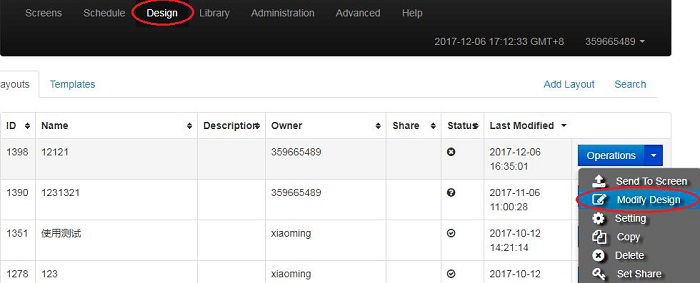
1 Login terminal management background, in the "Design" page, find the layout you need to modify, click on the layout "Operations" button under the Modify Design button.
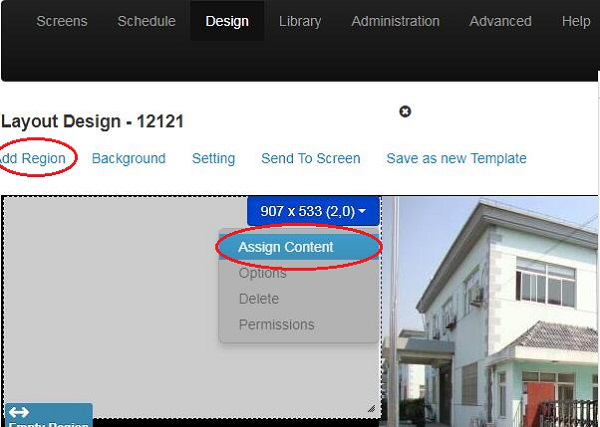
2 Find the area you want to add, or you can click the "Add Region" button and then click the "Assign Content" button under the blue title box in the area.
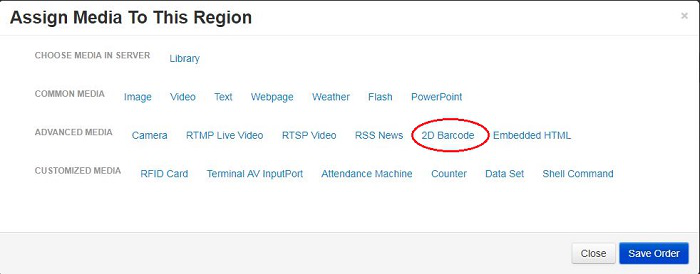
3 In the dialog box that is displayed, select 2D Barcode.
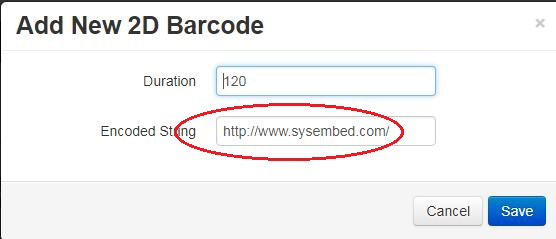
4 Enter the correct jump address, click Save.